01
Remove background
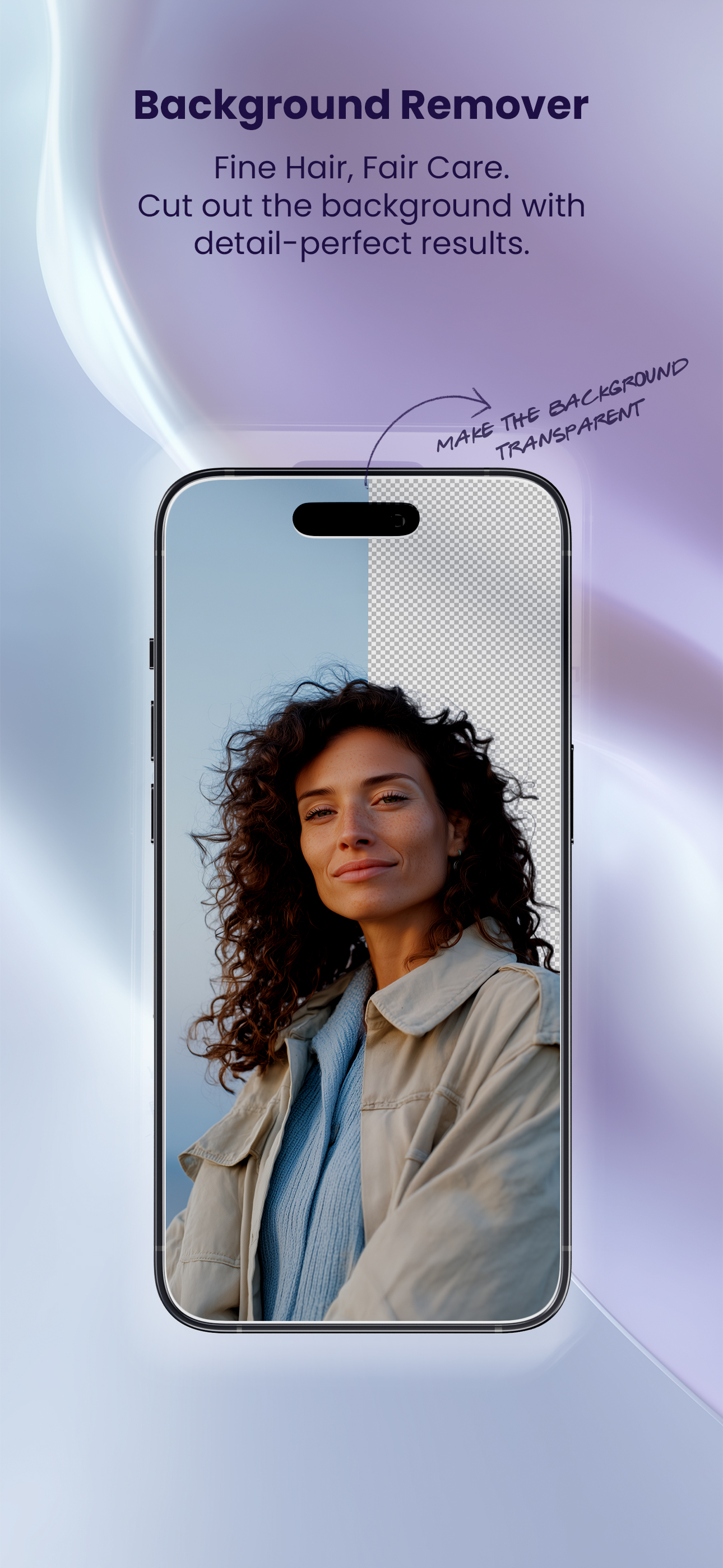
Get a clean cut with one tap. Choose a transparent background or any solid color. Our AI handles edges and fine details so the result looks natural every time.
AI Photo Editing
Ephora brings AI-powered editing to your pocket. Remove backgrounds in one tap, create professional CV photos, and apply studio-quality filters. Professional results in seconds, without the learning curve.
Download Free →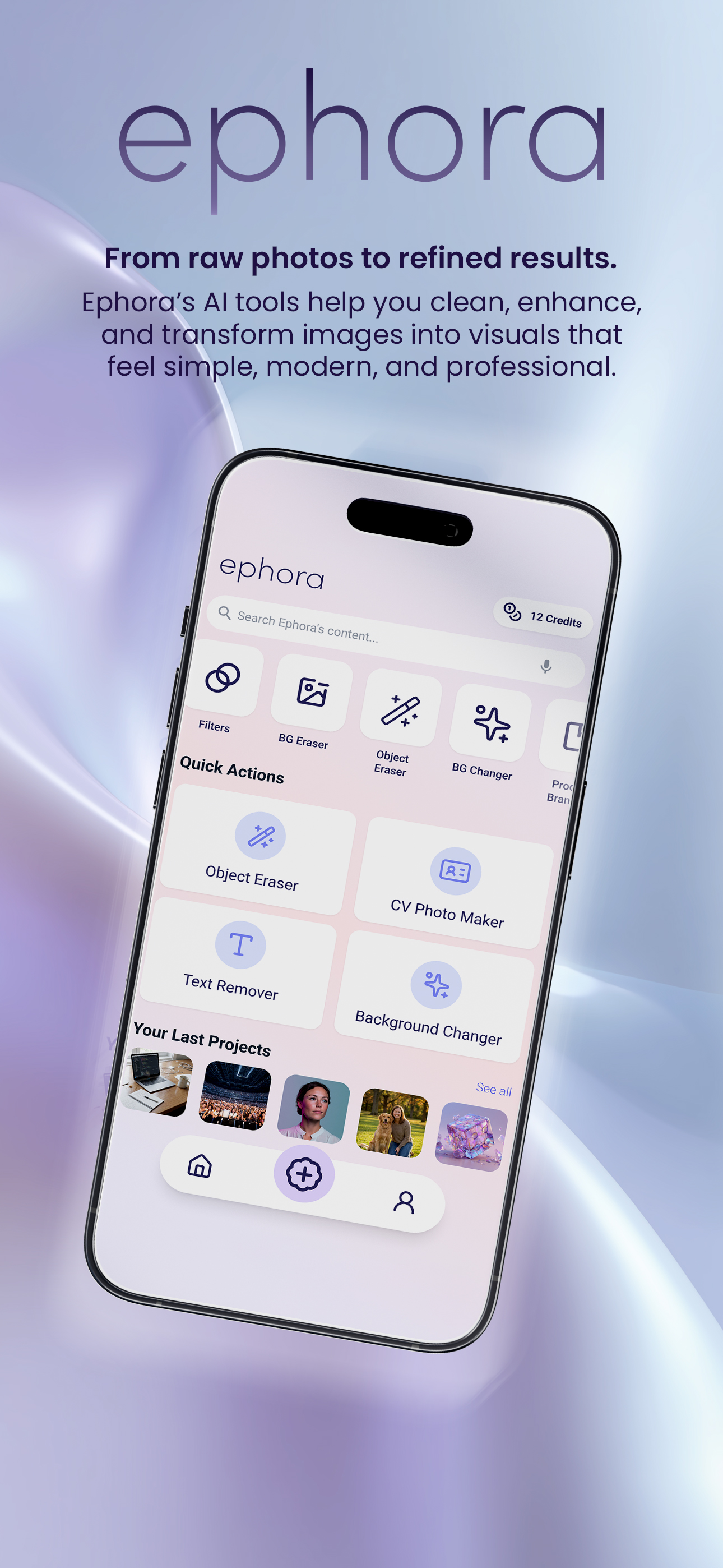
Explore the interface that makes professional editing simple. Every tool is one tap away.
Get a clean cut with one tap. Choose a transparent background or any solid color. Our AI handles edges and fine details so the result looks natural every time.
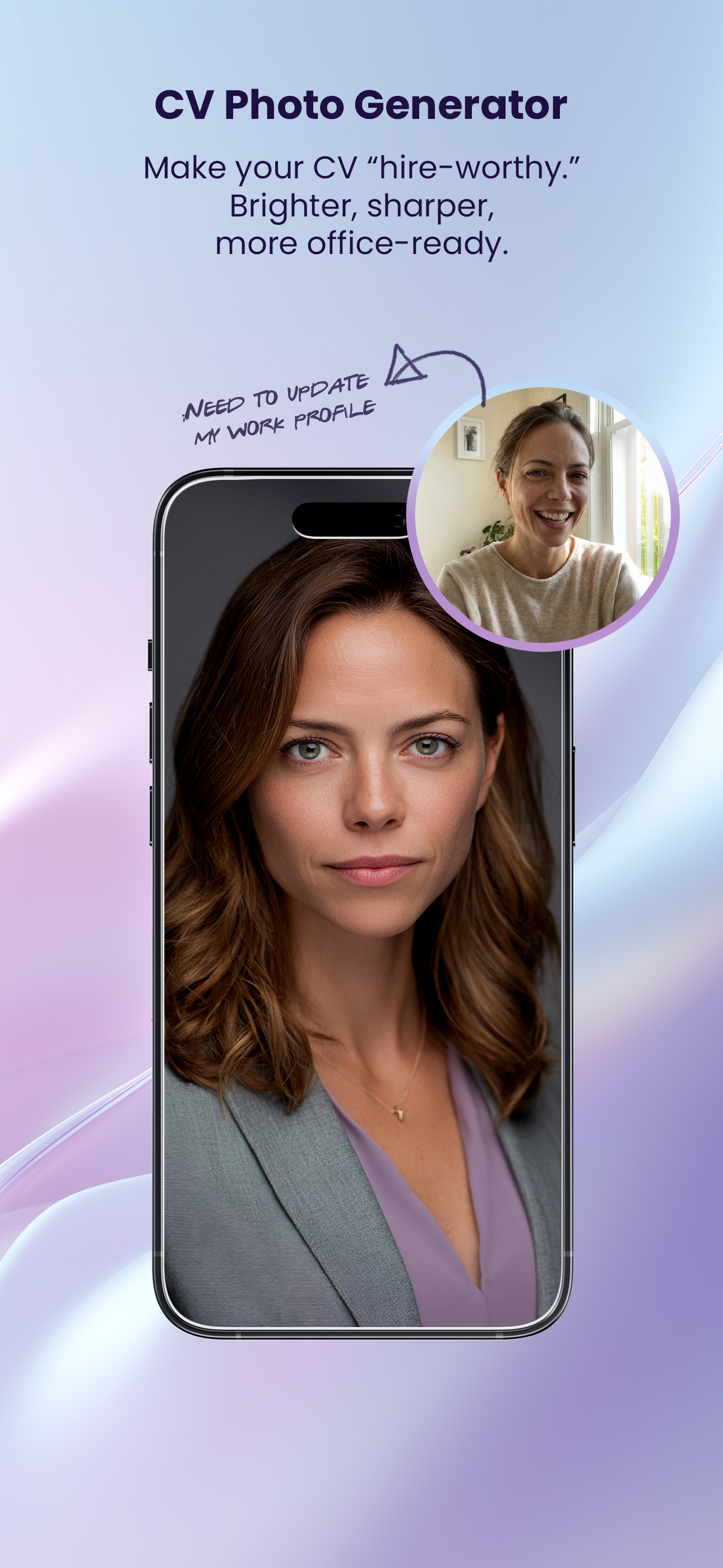
Turn any portrait into a professional studio-style photo. Ideal for resumes, LinkedIn, and official documents. No studio visit required.
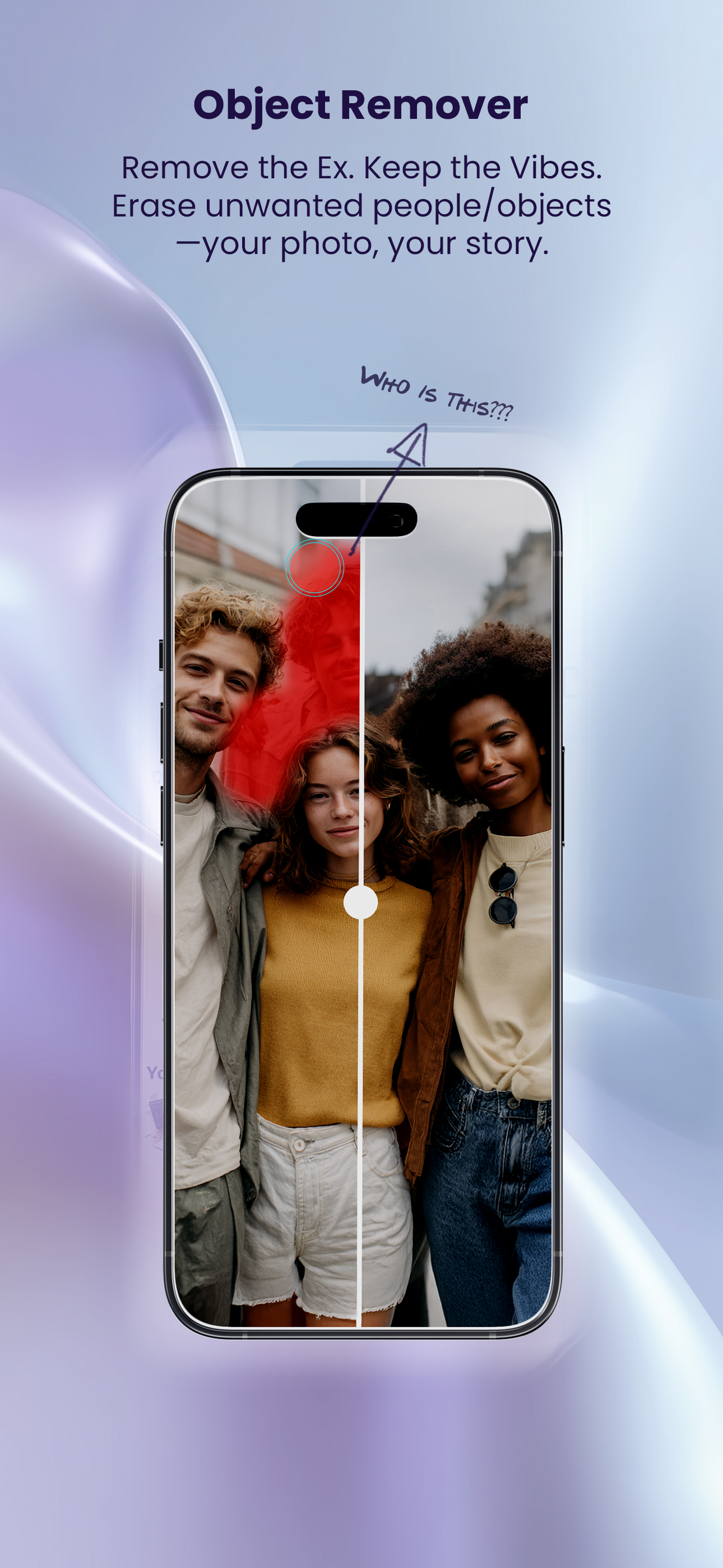
Erase text, logos, and watermarks from images with AI-powered precision. The surrounding area is filled naturally so the edit stays invisible.
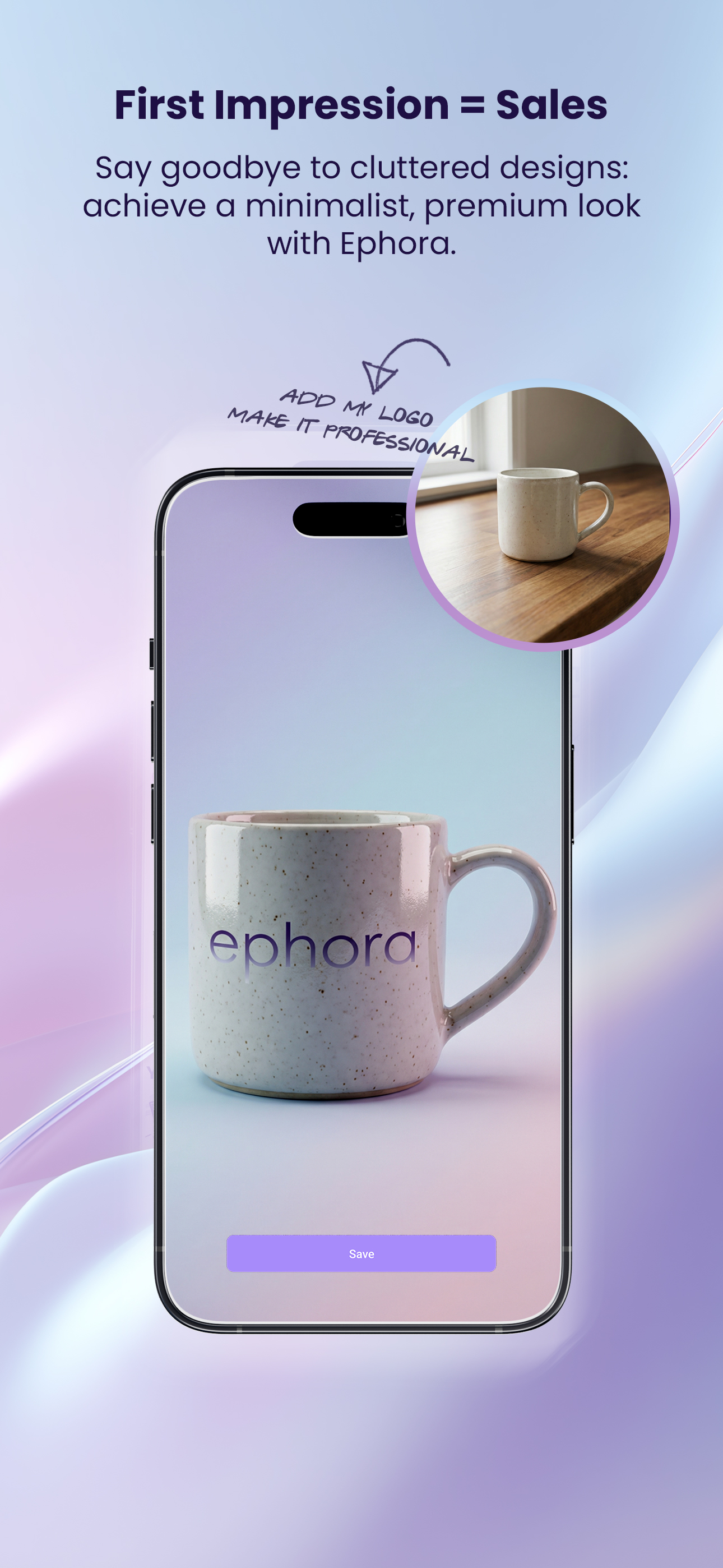
Create professional product shots with custom backgrounds and layouts. Perfect for catalogs, ads, and social content without extra equipment.
Swap in new scenes, colors, and lighting effects for any photo. The AI matches tone and perspective so the result stays cohesive.
Crop, rotate, and apply professional preset filters. Fine-tune exposure and color so every image looks exactly how you want it.
Start creating with Ephora. Professional results in seconds—free to download.